
You deliver 40 links for a client in March. By June, six are gone, two have turned nofollow, and the client is asking where the traffic bump went. If you track those links in a spreadsheet, you probably won’t know until someone complains.
That’s the problem the best backlink monitoring tools for SEO agencies solve. They check your links on a schedule, tell you what changed, and keep a record you can show a client. This guide compares nine options, explains what each one does well, and shows where each one falls short.
What is a backlink monitoring tool? A backlink monitoring tool tracks changes to the links pointing at a website. Depending on the product, it finds new backlinks, flags lost ones, watches anchor text and link attributes, and sends alerts when something changes. Agencies use these tools to confirm link-building deliverables, investigate link loss, and report results to clients.
Agencies can simplify their workflows with a backlink management and monitoring platform that helps organize backlinks, track link status, and manage link-building activities in one place.
Best Backlink Monitoring Tools for SEO Agencies
1. Linkcolab: Best for Link Exchange and Partner Tracking
Linkcolab fits agencies that run link exchanges or partner-based campaigns. In that workflow, the hard part is remembering who owes whom a link, and whether the link is still there.
[Publisher: confirm Linkcolab’s actual features, pricing, and link-checking method before publishing, and replace this note. Only describe what you can demonstrate. If it manages partners but doesn’t verify links automatically, say that plainly.]
What to look for in a tool like this:
- A record of the source URL and destination URL for each placement
- A partner list showing links given and links received
- A live-status check, and a note on how often it runs
- A history of changes for each link
Who it suits: agencies that exchange links with other sites and need one place to track the deal. If you need discovery of new backlinks or competitor research, pair it with a larger database.
2. Linkody: Best for Dedicated Daily Monitoring
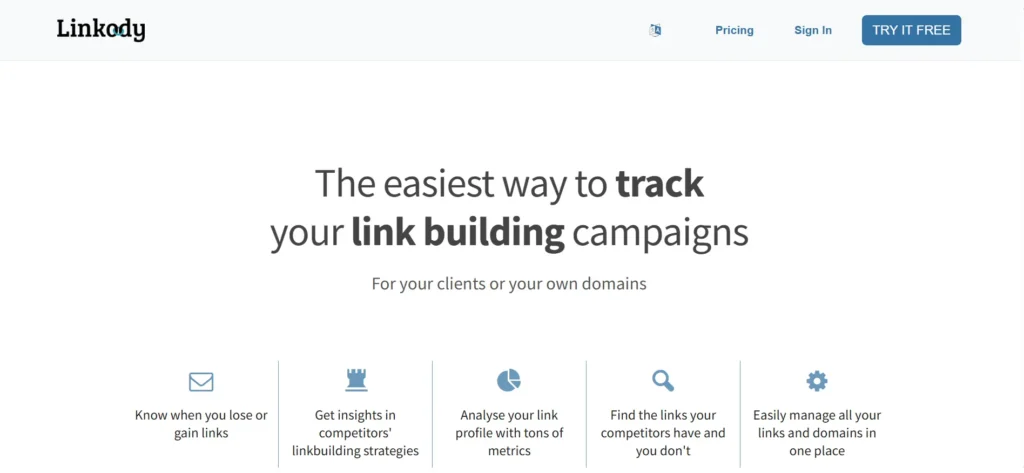
Linkody is built for one job: watching backlinks. Its plans page says it checks and updates link status every 24 hours. That’s a faster rhythm than a weekly crawl, and it matters when a client pays for placements.
Plans are sized by domains and monitored links. According to the Linkody plans page, the range runs from 2 domains and 500 links up to 100 domains and 50,000 links. The Agency tier covers 50 domains, 20,000 links, and 5 users. Linkody also offers a 30-day free trial, though CSV and PDF export aren’t available during it.
Third-party listings describe white-label reporting and PDF reports for clients. Confirm the details of your plan before you promise branded reports to anyone.
Pros: daily checks, clear limits, built for agencies that track client links.
Cons: a smaller backlink index than the big research suites, and lighter competitor analysis. Use it to verify and monitor, not to hunt for link opportunities.
Pricing: entry plans are priced per month by domain count and climb with scale. Check the plans page for today’s figures.
3. Backlink Pilot: Best Free Option for Known-Link Verification
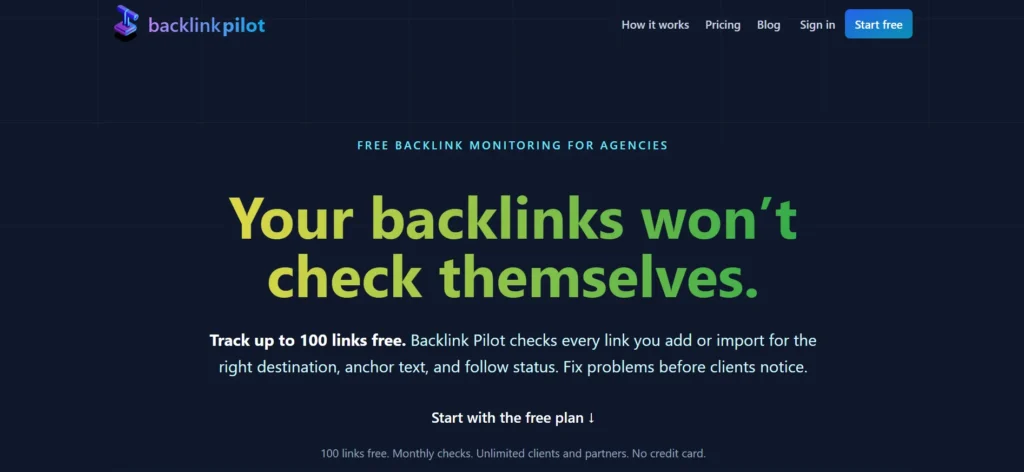
Backlink Pilot works like a link-building CRM. You add or import backlinks, sort them by client and partner, and it checks whether each one is still live. Its own description says it also verifies the destination URL, anchor text, and follow status, and that it tracks links you’ve given as well as links you’ve received.
The listing says the free plan allows unlimited clients and partners. One independent review mentions a free allowance of 500 checked backlinks a month, but plan limits change, so confirm on the site.
That same review points out the trade-offs. Backlink Pilot doesn’t discover backlinks or analyze competitors, and its reporting is basic. Agencies may need to build their own client reports from the exported data.
Best for: boutique agencies and freelancers who already know which links they want to track. You can read the product listing here.
4. SE Ranking: Best for Agencies That Want Monitoring Inside an SEO Suite
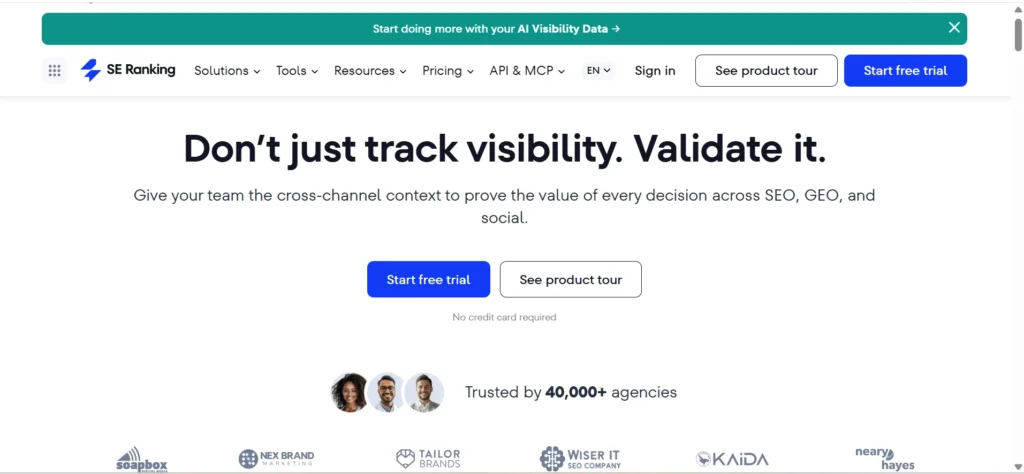
SE Ranking keeps backlink monitoring separate from its backlink checker. Its help center explains that you can add links manually, import a list from Google Search Console, or upload a CSV. The status of every added link is then checked automatically each week.
The backlink checker is a different module. It discovers links to any domain and analyzes them against more than 15 parameters, which makes it useful for competitor audits.
The weekly cadence is the main thing to weigh. For most evergreen placements, weekly is fine. For a time-sensitive launch, you may want daily checks from a specialist tool.
Best for: agencies already using SE Ranking for rank tracking and reporting who want link monitoring in the same place. See the SE Ranking backlink monitoring page.
5. Ahrefs: Best for Alerts and Backlink Research
Ahrefs has one of the most widely used backlink databases. Its Alerts feature emails you when a domain, subdomain, subfolder, or single URL gains or loses backlinks. You can point it at a client’s site or at a competitor’s.
The alert frequency options depend on your plan, according to Ahrefs’ help center. Remember that these alerts come from Ahrefs’ own crawl. That is different from re-checking a specific list of links you built.
Ahrefs also explains why a link may show as lost. In its lost-link documentation, reasons include redirects, noindexed pages, non-canonical pages, a page dropped from its index, and temporary page or redirect problems. Read that page before you tell a client a link is gone.
Pros: large index, strong research tools, useful alerts.
Cons: cost climbs with seats and usage, and it isn’t a purpose-built tracker for a fixed list of delivered links.
6. Semrush: Best for One Platform Covering Research, Audits, and Monitoring
Semrush bundles backlink analytics with a backlink audit, rank tracking, site audits, and reporting. It works well when one team handles several kinds of SEO work and wants a single login.
Its backlink audit includes a toxicity-style score. Treat that as a prompt to look closer, not proof that a link is harmful. Third-party scores are estimates, and Google has said it doesn’t use third-party authority scores.
Project limits, export options, and reporting features vary by plan. Check the current pricing page and count how many client projects you need.
Best for: agencies that want breadth. Watch for: paying for a large suite when you only need link checks.
7. Majestic: Best for Specialized Link Intelligence
Majestic focuses on link data. It’s known for its own metrics, Trust Flow and Citation Flow, which estimate link quality and volume. Both are Majestic’s measures, not Google’s.
Use Majestic when you want to study a link profile, compare competitors, or look at how links grew over time. For recurring verification of a delivered link list, pair it with a monitoring tool.
8. Google Search Console: Best Free Source of Google-Reported Link Data
Search Console costs nothing and shows links Google has found. In the Links report, you can see top linking sites, top linked pages, and top linking text. Sites appear by root domain, and you can export the data.
The limit is coverage. The report is a sample of links Google knows about, not a full or real-time list. It doesn’t send lost-link alerts, and it won’t tell you whether a purchased placement kept its attributes.
Use it as a cross-check. If a third-party tool says a link exists and Search Console never shows it, that’s worth a closer look.
9. SEOptimer: Best for Audit-Style Client Reports
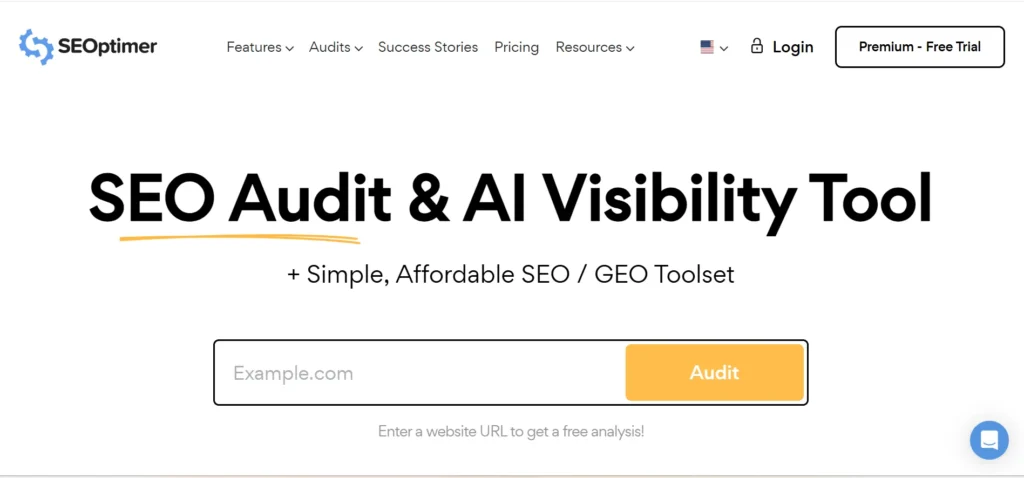
SEOptimer is known for white-label audit reports. That makes it handy for agencies that send branded PDFs to prospects and clients.
Before you rely on it for monitoring, confirm what backlink data your plan includes. An audit report is a snapshot. It isn’t the same as a recurring check on a list of links you promised a client.
Comparison table
The details below come from each vendor’s public pages and documentation. Prices change often, so check the linked page before you buy.
| Tool | Best for | How it checks links | Multiple clients | Main limitation |
| Linkcolab | Link exchange tracking | Confirm with vendor | Confirm with vendor | Features need verification |
| Linkody | Dedicated monitoring | Every 24 hours | Domain-based plans | Smaller backlink index |
| Backlink Pilot | Known-link verification | Regular live checks | Clients and partners | No discovery or competitor research |
| SE Ranking | Agency SEO workflows | Weekly status checks | Projects | Weekly cadence |
| Ahrefs | Research and alerts | Email alerts, index-based | Projects | Alerts rely on Ahrefs’ crawl |
| Semrush | All-in-one SEO | Index-based plus audits | Projects | Cost and feature sprawl |
| Majestic | Link intelligence | Index-based | Limited | Analysis more than monitoring |
| Google Search Console | Free first-party data | Google’s own sample | Per property | Not a complete list |
| SEOptimer | Audit reports | Report-based | White-label reports | Confirm backlink depth by plan |
How to Choose the Best Backlink Monitoring Tool for Your Agency
Start with the job, then match the tool. These five questions cover most decisions.
How many client sites do you manage?
Check domain limits, monitored-link limits, and user seats. A plan that looks cheap can run out fast once you add your tenth client.
How often do you need checks?
Daily checks catch problems sooner. Weekly checks are fine for most steady placements. Also separate two ideas: a database discovering a link during a crawl, and a tool re-checking a known URL on a schedule.
Which changes must it catch?
List what you promise clients. That might be anchor text, dofollow status, rel=”sponsored” or rel=”ugc”, the destination URL, and whether the source page still loads. Only trust a tool for the changes it documents.
What will reporting need to look like?
Ask about white-label reports, scheduled sending, CSV exports, and history. If the tool can’t produce what your clients expect, you’ll build reports by hand.
What does it cost per client?
Use this formula: monthly monitoring cost ÷ number of clients monitored. For example, $200 a month across 20 clients is $10 per client. That’s a hypothetical, but it gives you a number to compare against your margins.
Specialist tool or all-in-one suite?
| Need | Specialist monitoring tool | All-in-one SEO platform |
| Re-checking a list of known links | Usually the main purpose | Depends on product and plan |
| Large-scale research | Varies | Often a core feature |
| Competitor link discovery | Varies | Commonly included |
| Technical audits | Usually limited | Often included |
| Cost structure | Narrow, often cheaper | Broader, often pricier |
Neither wins every time. Many agencies run one of each.
Backlink Monitoring vs. Backlink Analysis vs. Backlink Management
People use these terms as if they mean the same thing. They don’t. Before evaluating backlink monitoring tools, it helps to understand the difference between backlinks and inbound links, along with how external links differ from internal and outbound links.
| Backlink monitoring | Backlink analysis | Backlink management |
| Tracks changes to links over time | Studies a link profile at a point in time | Organizes campaigns, partners, and records |
| Finds lost links and attribute changes | Reviews referring domains, anchors, competitors | Tracks who owes what and when |
| Supports alerts and rechecks | Supports audits and link prospecting | Supports reporting and follow-up |
Many tools blend all three, so treat this as a way to think about the work, not a strict product split. If you need to find links, start with analysis. If you need to verify links, start with monitoring. If you need to run a campaign, start with management.
For a plain-language background on links themselves, see Wikipedia’s entries on backlinks and the nofollow attribute.
How to Monitor Backlinks for Multiple Clients: A 7-Step Workflow
Here’s a repeatable process. It works with any of the tools above, and with a spreadsheet if you’re just starting. Monitoring is only one part of maintaining a healthy backlink profile.
Understanding the complete backlink management process can help agencies organize their links, evaluate link quality, investigate lost backlinks, and prioritize recovery efforts.
- Create a separate project for each client. This keeps data, reports, and access apart.
- Import the links you already know about. Use a CSV or a Search Console export where the tool allows it.
- Record the original details. Save the source URL, destination URL, anchor text, link attribute, date acquired, and campaign name.
- Set your check schedule and alerts. Pick daily or weekly based on the link’s importance and the tool’s options.
- Investigate every change. Decide whether it’s a confirmed removal, a temporary error, a redirect, an anchor change, or an attribute change.
- Update the record. Note what you found, what you did, and the outcome.
- Report confirmed changes. Keep unconfirmed items in a separate “awaiting recheck” list.
A realistic example
Say you delivered 100 links last quarter. This is a hypothetical, but it mirrors what audits often turn up. At the next check, 92 are live, 3 returned server errors, 2 were removed, 2 turned from dofollow to nofollow, and 1 redirects elsewhere.
Don’t report eight lost links. Recheck the three errors. Contact the sites that removed links. Look at where the redirect lands. Review the two attribute changes against what was agreed. Your report should say what’s confirmed and what’s still open.
What Should You Monitor on Every Backlink?
Source-page status. A 404 error means the page wasn’t found. One failed check doesn’t prove the link is gone, because servers have bad days. Recheck before you act.
Anchor text. Changed anchor text can alter the context you paid for or earned.
Link attributes. Track dofollow, nofollow, sponsored, and ugc. Google explains how to qualify outbound links in its documentation. A nofollow link isn’t worthless. It just isn’t what you may have agreed to.
Destination URL. A moved or redirected target can break your campaign reporting.
Relevance and context. A link in a related article on a real site beats a footer link on an unrelated one.
Also keep Google’s spam policies in mind, especially on paid or exchanged links. Monitoring helps you spot patterns before they become a problem.
How to Create a Backlink Report Clients Will Read
Keep it short and honest. Include new links, confirmed lost links, links with changed attributes, referring domains gained and lost, items awaiting recheck, and recovered links.
For each lost link, give the cause (if known), your confidence, the impact, and your next step. Clients handle “we’re investigating” better than a surprise.
Here’s a simple layout. The rows are illustrative.
| Client | Referring URL | Destination URL | Status | Issue | Next action |
| Client A | Example source page | Example target | Live | None | Keep monitoring |
| Client B | Example source page | Example target | Needs recheck | Server error | Verify again in 48 hours |
| Client C | Example source page | Example target | Attribute changed | Nofollow found | Contact publisher |
To save time, use scheduled reports, CSV exports, or an API if your tool offers them. Only promise automation that your plan actually supports.
Common Backlink Monitoring Mistakes to Avoid
- Treating one error as permanent loss. Recheck first.
- Trusting one database. Every index has gaps. Counts differ between tools for that reason.
- Overreacting to toxicity scores. A score is a reason to look, not a verdict.
- Ignoring anchor and attribute changes. A link can exist and still be wrong.
- Reporting raw counts. Numbers without context mislead.
- Skipping history. Without records, you can’t explain what changed.
If you want practitioner opinions, the SEO and bigseo communities on Reddit often discuss how agencies handle link tracking. Treat what you read as anecdote, and test ideas on your own campaigns.
Frequently Asked Questions
What are the best backlink monitoring tools for SEO agencies?
Linkody and Backlink Pilot suit verifying known links. SE Ranking, Ahrefs, and Semrush suit agencies that want monitoring plus research. Google Search Console adds free first-party data. The right pick depends on your client count, check frequency, and reporting needs.
What is the best free backlink monitoring tool?
Google Search Console is free but only shows a sample of links Google found. Backlink Pilot lists a free plan for tracking known links. Linkody offers a 30-day trial. Free options usually come with limits on links, features, or exports.
How do SEO agencies track backlinks for multiple clients?
They keep a separate project per client, import known links, record original attributes, schedule checks, review alerts, and send a regular report. Tools with domain-based or client-based organization make this easier.
How can you check whether a backlink is still live?
Open the source page and confirm the link is present. Check the destination URL, anchor text, and rel attributes. If the page returns an error, recheck later before calling it lost. A monitoring tool automates these checks on a schedule.
How often should you monitor backlinks?
Daily suits paid placements and launch campaigns. Weekly works for most steady links. Match the schedule to how fast you’d need to react and what your tool allows.
What is the difference between backlink monitoring and backlink analysis?
Monitoring tracks changes to links over time. Analysis studies a link profile, including referring domains, anchors, and competitors. Many tools do both.
Can backlink monitoring tools track competitor backlinks?
Some can. Ahrefs alerts, for example, can watch another domain for new or lost links. Dedicated link verifiers usually focus on your own list. Check the feature before you rely on it.
Why do backlink counts differ between tools?
Each tool crawls the web differently, stores different data, and counts links by its own rules. No index covers everything.
Do agencies need both a monitoring tool and an SEO suite?
Often yes. A suite handles research and audits, while a specialist tool re-checks delivered links. A small agency may do fine with one.
Final Verdict
The best backlink monitoring tool for your SEO agency depends on your workflow, budget, and client management needs. Linkody is worth considering if you manage multiple client domains and need frequent backlink checks, while Backlink Pilot may suit agencies looking to verify known links on a budget.
SE Ranking is an option for agencies that prefer backlink monitoring within a broader SEO suite, whereas Ahrefs and Semrush are worth evaluating for backlink alerts and in-depth research.
For link exchange tracking, consider Linkcolab after confirming that its features meet your requirements. Google Search Console can also provide a free cross-check using Google’s link data, although it does not replace a dedicated backlink monitoring solution.
Before making a final decision, shortlist two or three tools and test them using the same 50 backlinks from a real client campaign.
Compare the links each tool detects, the changes it identifies, and the accuracy of its alerts over a week. This practical test can help you choose the most suitable solution more effectively than relying on feature lists alone.